
Online underwater photo editor
Underwater Photo Color Correction in One Click
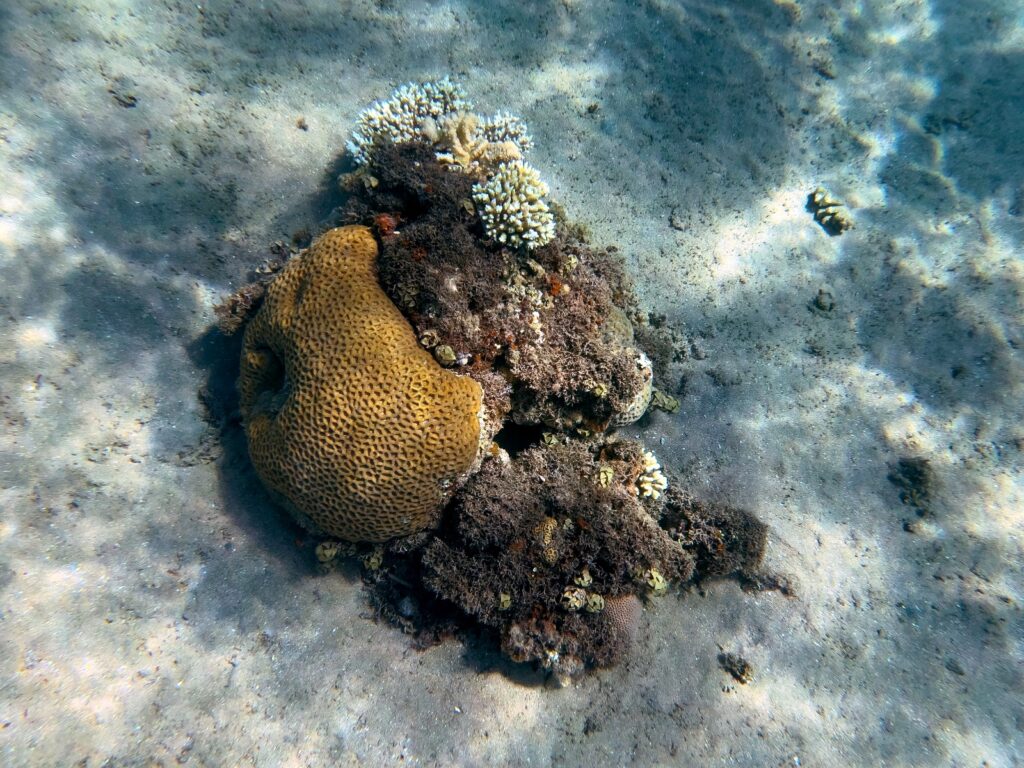
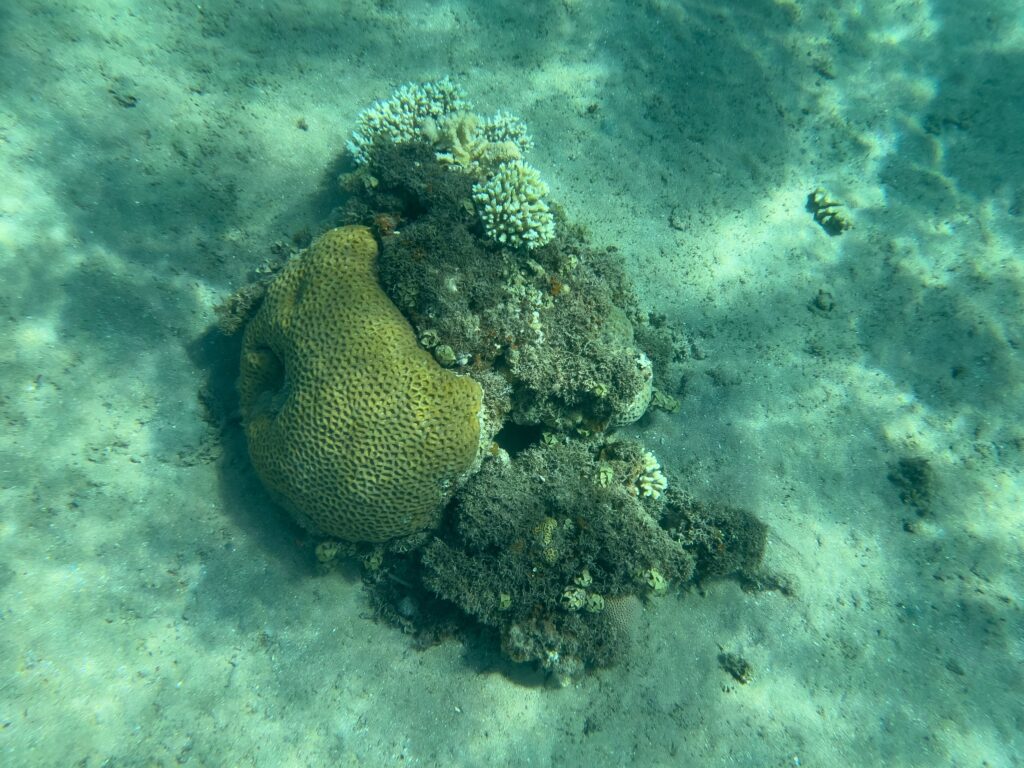
Bring back the reds, remove the blue and green cast and make your dive and snorkel photos look the way you remember them. Smart auto-correction plus presets for GoPro, DJI Osmo, Insta360, TG cameras and smartphones – right in your browser.
- No app to install
- Full-resolution exports
- Photos are never stored
Correct your underwater photo now
Drop a photo, let Auto-Correct analyse the water, then pick your camera and fine-tune.
Everything you need to fix underwater colours
Smart underwater Auto-Correct
Analyses every photo, measures the missing red light and the water colour, then rebuilds natural colours, white balance and contrast automatically.
Camera presets
Tuned starting points for GoPro HERO, GoPro with red filter, DJI Osmo Action, Osmo Pocket, Insta360, OM System TG, smartphones and mirrorless cameras.
Water & depth presets
Tropical shallow reefs, deep blue water, green temperate seas, murky low-visibility dives, cenotes, wrecks and snorkelling at the surface.
Creative looks
Natural, Vivid Reef, Cinematic, Moody Blue, Vintage Film, Bright & Airy and Black & White, layered on top of the colour correction.
Pro controls
RGB curves, HSL for 8 colour ranges, colour grading, white balance, exposure, highlights, shadows, dehaze, clarity, sharpening and vignette.
RAW DNG support
Open RAW DNG files from DJI, phones (including Apple ProRAW-style DNG) and most cameras. RAW keeps far more colour information, so the red recovery is cleaner.
Full-quality export
Your edit is applied to the original full-resolution photo on export, with location data removed for privacy.
Video correction · Beta
Correct your dive videos too: live preview with all the same tools, exported with the original sound. 5 credits per started minute.
How it works
- Upload your underwater photo (JPG, PNG, WebP or RAW DNG).
- Auto-Correct restores the lost colours, then choose your camera, water type and look.
- Fine-tune & export with curves and sliders, then download the full-resolution result.
Simple pricing
10 full-resolution, watermark-free photo exports
- All presets and pro controls
- Serial number emailed instantly
- No subscription
Use the same email address at checkout – your serial is sent there.
Frequently asked questions
Why do underwater photos look blue or green?
Water absorbs colour with depth. Red disappears first (after only a few metres), then orange and yellow, leaving a strong blue or green cast. AquaTone Pro measures how much red is missing in your photo and rebuilds it, then balances the remaining colours.
Which cameras are supported?
Any JPG, PNG or WebP photo works, plus RAW DNG files (developed right in your browser for the best colour). There are tuned presets for GoPro HERO cameras (with and without red filters), DJI Osmo Action and Osmo Pocket, Insta360, OM System / Olympus TG, smartphones in underwater housings, and mirrorless/DSLR cameras with or without strobes.
Is there a free trial?
Yes. You can try the full editor once for free. The trial download carries a large watermark. After you buy a serial number, all exports are full resolution and watermark-free.
How much does it cost?
$3 gives you a serial number with 10 full-quality, watermark-free exports. The serial is emailed to you automatically right after payment.
Are my photos uploaded or stored?
Editing and previews happen in your browser. Only when you export is the photo sent securely to the server to render the final file; it is processed in memory, returned to you immediately and never saved. Location (GPS) data is removed from exported files.
Can I use it offline?
No. Every export verifies your serial number online, so an internet connection is required for watermark-free results.
Does it work on phones and tablets?
Yes. The editor works in any modern browser on iPhone, Android, iPad, Windows, Mac and Linux. Nothing to install.
AquaTone Pro is created by Hotamr.